The simplest link in bio.Nothing to outgrow.
A link in bio is the clickable link on your social profile, and the page it opens. Put everything you share, sell and book on yours. It's live in a minute.

Pages for every kind of person


Create once. Share everywhere.
What your link in bio does for you, from the first day.
Share all your links
Everything you post, sell and do in one place, so nobody has to hunt for it.
Stand out
A page in your colors and your type, so people know it’s you at a glance.
Use it everywhere
One link for Instagram, TikTok, YouTube and the rest, and a QR code for the real world.
See what works
Know what people tap and where they come from, then do more of what brings them in.


Be the one they remember.
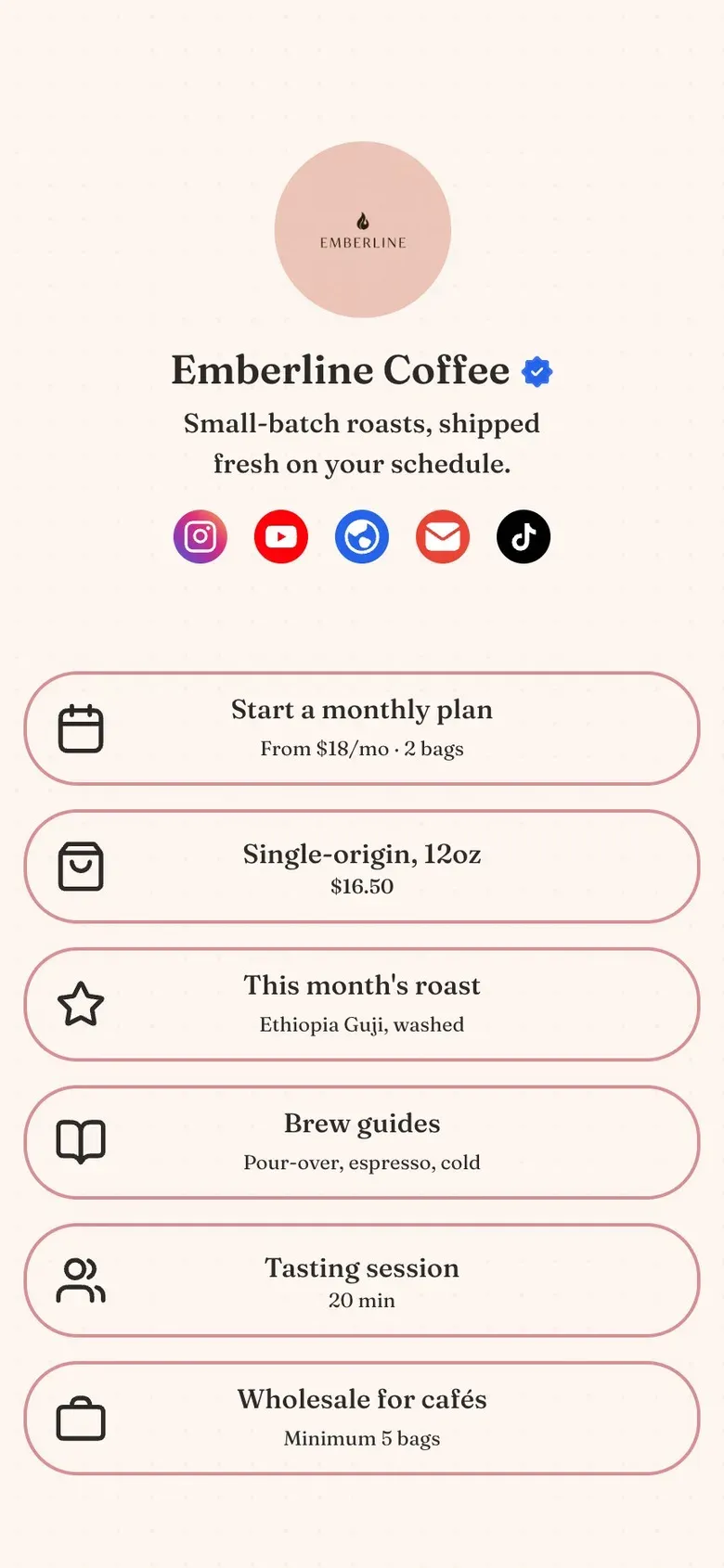
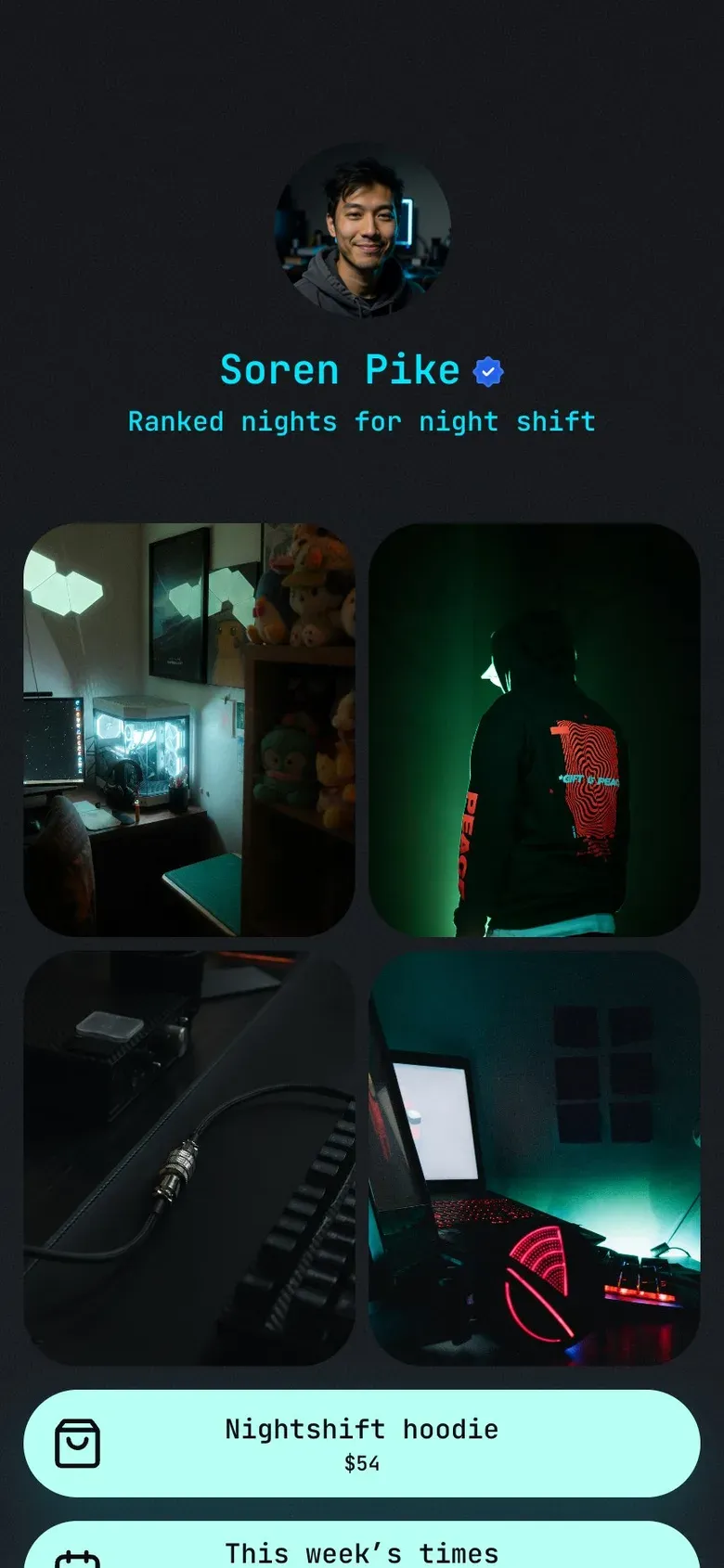
Most link pages look the same. Yours has your colors, your type and your photos, so people know it's you before they read a word.
Turn followers into customers.
Sell guides and plans, take paid bookings and grow a list you own. On Business, InBio takes 0% of what you sell.
See exactly what's working.
Know how many people visit, what they tap and where they come from. Then do more of what brings them in.
What your link in bio unlocks
A bio link can hold one URL. A link in bio page gives you all of this.
Claim your nameYour whole online presence, one page
Your socials, shop, videos and contact in one place people can find in a tap.
An audience you own
A form or a free guide turns a follower into an email, yours whatever the apps do next.
Look professional
Your colors, your type, no InBio logo and a checkmark next to your name.
Get paid from your bio
Sell downloads and take paid bookings through your own Stripe, with a 0% InBio fee.
Be found on Google
Your page shows up in search and in AI answers, not only behind your bio.
Answers while you sleep
An AI assistant answers visitors in your words, so questions don’t wait for you.
You're live in a minute.
Name the account you post on. Your page starts with your photo, bio and links already in place.

In their words
“I can see which links people actually tap. I cut my page from twelve links to five and my clicks went up.”
Aisha RahmanFitness coach · on Pro“I moved everything into one page in an afternoon. My booking link used to be buried three taps deep — now it is the first thing people see.”
Maya LindqvistPortrait photographer · on Business“Clients book a call straight from my Instagram now. No back-and-forth about times, and the paid ones are paid before we talk.”
Hannah KowalskiBrand strategist · on Business
Before you start
Something else? Write to hello@in.bio and we will get back to you.
What is a link in bio?
A link in bio is the clickable link on a social media profile, and the page it opens. Instagram allows up to five links and TikTok and X one, so most people point that link at a single page that holds everything. What "link in bio" means, in full.
What is InBio?
InBio is the simplest link in bio to start with, and the one you won't outgrow: a clean page in a minute, with downloads, bookings, an AI assistant and a verified checkmark ready when you need them. It is free to start at in.bio/yourname, for people, creators and businesses alike.
How much does InBio cost?
Free costs $0 and needs no card. Beginner is $4 a month for display fonts and your own image or video background, Pro is $9 for forms, advanced analytics and no InBio branding, and Business is $29 to sell and take bookings. Paid plans start with a 14-day trial, and paying yearly costs ten months instead of twelve.
How do I add my link in bio on Instagram?
Open your profile, tap Edit profile, then Links, then Add external link, paste your in.bio address and save. Every account can add up to five links. Step by step, and what to do when Links is missing.
How do I add a link in bio on TikTok?
In the TikTok app, tap Profile, then Edit profile, and add your link next to Links. TikTok allows it once you have 1,000 followers or a Verified Business Account. TikTok's link rules.
Can I use one link in bio everywhere?
Yes. in.bio/yourname works anywhere a link does: Instagram, TikTok, YouTube, X, Threads, LinkedIn, an email signature or a printed QR code. Change the page once and every place it's posted is current.
What can I put on my page?
Links, social icons, posts, image galleries, and videos and music that play on the page. Paid plans add contact forms, lead magnets, digital products and bookings.
What should go first on my link in bio page?
The one thing you most want people to do this week: the new video, the booking, the shop. Socials go in the icon row, and links nobody taps any more come off.
Can I collect contacts and leads?
Yes, on Pro at $9 a month. Add a contact form, or a lead magnet that sends a file when someone leaves their email. How lead magnets work from an Instagram bio.
Can I sell products and take bookings?
Yes, on Business at $29 a month. Sell downloads and take free or paid bookings against your own opening hours, paid into your own Stripe: InBio takes 0%, Stripe charges its usual processing fee. What each link in bio tool takes from a sale.
How do I track link in bio clicks?
Every plan shows basic stats: views, clicks, click-through rate, average time on page and a daily chart, compared with the previous period. Pro and Business add clicks per link, traffic sources with bounce rate, countries and devices, so you can see which platform sends the people who act. What to measure, and what to ignore.
Will my link in bio show up on Google?
It can. Every InBio page is open to search engines and AI assistants, on every plan, and Pro lets you write the title and description Google shows.
How is InBio different from Linktree?
Both put one link in your bio, and both have a free plan. InBio is simpler to start, and there's more to grow into: $4 a month opens display fonts and your own backgrounds, $9 adds forms and advanced analytics and removes our mark, and selling on Business takes 0% through your own Stripe, where Linktree's free plan takes 12%. Nine alternatives compared, prices checked.
Do I have to design anything?
No. Your page starts with your photo, bio and links in place on a clean design. When you want your own look, Beginner ($4 a month) opens every design, font and color.
Is it safe to put in my Instagram or TikTok bio?
Yes. Your page is a plain web address at in.bio that opens in every app. When you sell, payments go straight to your own Stripe account.
Can I use my own domain?
Not yet. Every page lives at in.bio/yourname.